 Fasti
Fasti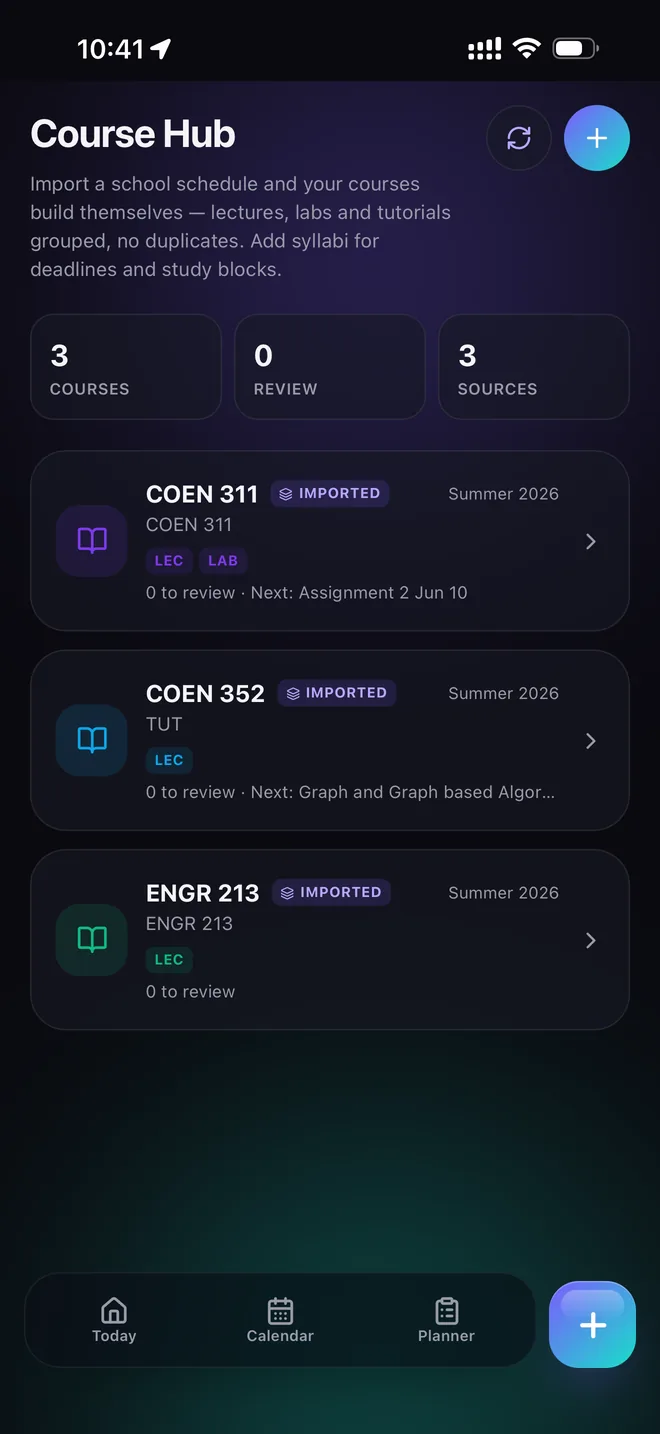
Start by collapsing everything into one calendar
If your classes live in one app, your shifts live in another, and your assignments live in a syllabus you have to reopen to check, you don't have an organization problem — you have four separate systems that don't talk to each other. The first fix is mechanical, not motivational: get everything into one calendar.
Start with your class timetable. Most students already have it as a screenshot, a PDF, or a portal page — import a class schedule instead of retyping it, so the recurring lectures, labs and tutorials are right from day one.
Move every deadline in during week one
The single highest-leverage habit in this guide: read every syllabus in the first week of the semester and put every exam, assignment and project deadline into your calendar immediately — not the week it's assigned as "due soon," the week the class starts. A deadline you can see three months away is a plan. A deadline you discover with four days left is a crisis.
- Add a reminder several days before each deadline, not the morning of.
- Separate the deadline itself (fixed) from the work to prepare for it (movable).
- If a syllabus lists dates as "tentative," add them anyway — you can adjust later, but you can't prepare for a date you never wrote down.
Fasti's syllabus-to-calendar tool reads a syllabus PDF or photo and proposes these dates for you to review, which turns this from an hour of manual typing into a few minutes of checking.
Protect study and rest time the same way you protect class time
A packed calendar that only shows classes and deadlines will still fail, because there's no visible space left to actually do the work. Once your fixed commitments are in, add the study time, work shifts and commute around them — see the study planner guide for how to break a big deadline into smaller sessions that fit the week you actually have.
Run a five-minute weekly reset
Organization isn't a one-time setup — it's a short habit repeated weekly. Every Sunday evening or Monday morning, look at the week ahead:
- Check for anything double-booked or unrealistic, and move it before the week starts, not mid-crisis.
- Clear or archive what's already done.
- Confirm the next deadline you're preparing for still has a study block before it.
This is the difference between a system you set up once and abandon by week three, and one that actually holds for a full semester.
Give every commitment one clear home
A reliable college organization system is easier to maintain when each type of commitment has one source of truth. Keep recurring classes in the timetable, deadlines on the calendar, preparation as movable study blocks, and personal plans beside them instead of in a separate mental list. When something changes, update the one place you use to make the next decision.
That structure also makes it easier to share selectively: send a study-group event or roommate plan without exposing private work, health or personal appointments. The shared student calendar guide explains how to coordinate only what other people need to see.
Common questions
What is the single best way to stay organized in college?
Keep everything — classes, work shifts, assignments, exams and social plans — on one calendar instead of splitting them across a planner, a syllabus PDF, texts and your memory. Most disorganization in college is a coordination problem between systems, not a discipline problem.
How do I stop missing assignment deadlines?
Move every graded deadline from the syllabus into your calendar in the first week of the semester, not the week it's due. Add a reminder a few days before, not the morning of, so you have time to actually do the work.
How often should I review my schedule?
Once a week, ideally Sunday evening or Monday morning. A short weekly reset — checking the week ahead, moving anything that no longer fits, and clearing what's done — prevents small scheduling conflicts from turning into missed classes or all-nighters.
Do I need a special app to stay organized, or is a paper planner enough?
A paper planner works if you only need to track one thing at a time. Most college students are coordinating classes, a job, and other people's calendars at once, which is where a digital planner that can import a timetable and share specific events becomes worth it.