 Fasti
Fasti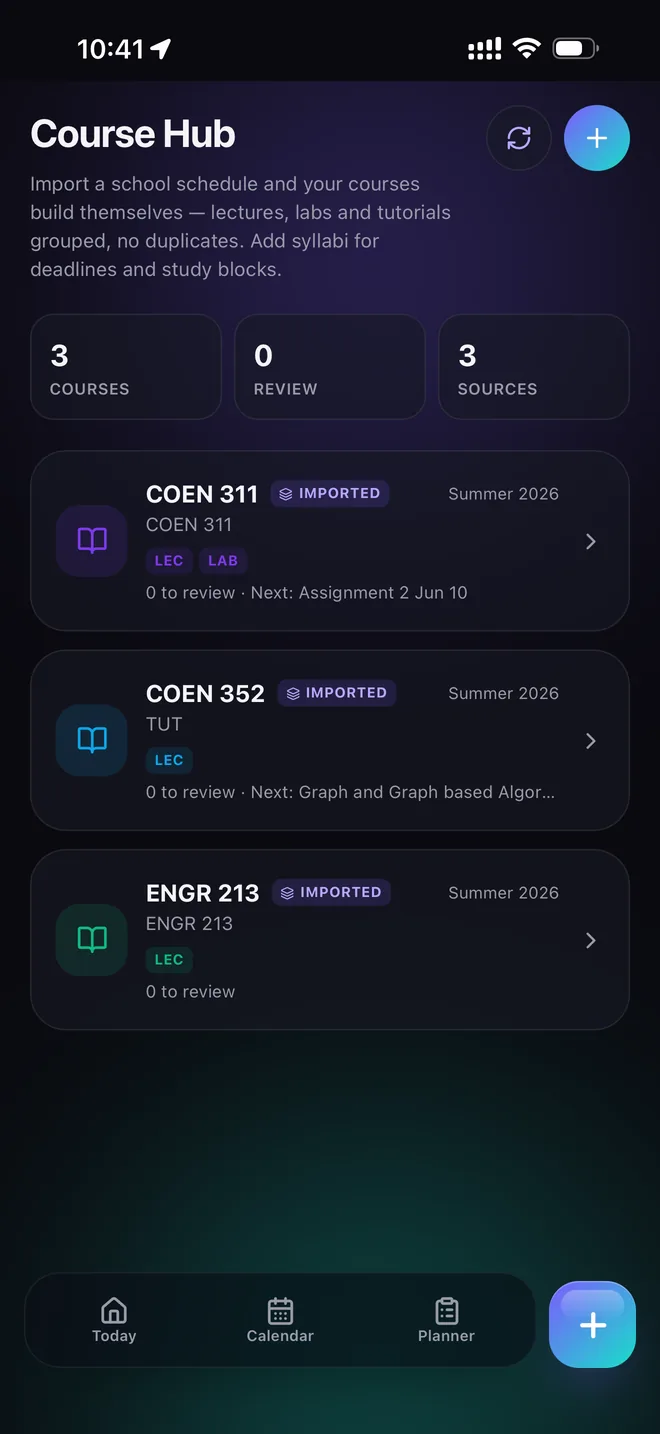
Choose the timetable source
Most schools already provide the schedule in a format that is useful to a person but annoying to re-enter. Start with a clear screenshot, PDF, photo or copied text. Fasti uses that source to propose classes and related details rather than asking you to create every event manually.
For best results, use an image where course names, days and times are readable. If a course has a separate lab or tutorial, keep it visible in the source so it can be reviewed as its own event.
Review the import like a student, not a parser
Imported events should be checked before they become your schedule. Look for the first date, end date, room, weekday, alternating-week pattern and any class that changes halfway through the term.
- Compare the first week with the school timetable.
- Check whether a lab or tutorial has a different recurrence.
- Confirm the term end date so old classes do not continue forever.
- Save only after the proposed events match your source.
Use the imported schedule as the foundation
Once your classes are in place, add syllabus deadlines and exam dates through syllabus to calendar. Then use the study planner to place preparation around class time, work and travel.
Fasti is designed to keep the schedule useful after the import. You can adjust individual events, add multi-day plans and share selected events with friends.