 Fasti
Fasti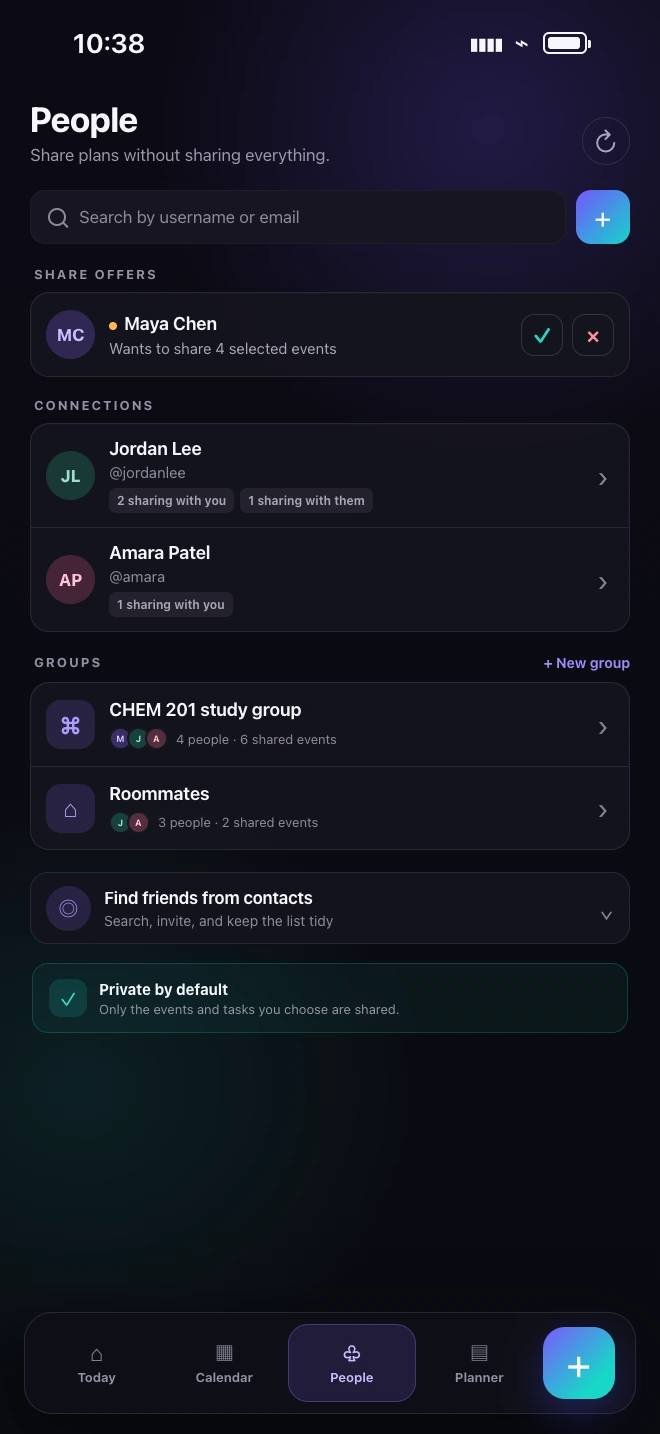
Share the smallest useful scope
A shared calendar should answer a coordination need without exposing unrelated information. For a study group, share the course and study sessions. For a roommate, share a date range or category. For one appointment, share only that event.
Private events, unrelated overlaps and personal schedule details should remain outside the conversation. Review the visible event count before creating the share, especially when an auto-sync filter could include future events.
Choose access that matches the action
View-only access is appropriate when another person only needs awareness. Editable access is useful when both people coordinate details, while edit-and-delete access should be reserved for relationships that genuinely need it.
- Confirm which tasks are included with an event.
- Keep private task lists unshared when they are not part of the plan.
- Use an invitation link that resolves to the same shared plan on iOS, Android and web.
- Remove access when the course, project or relationship ends.
Treat edits as proposals
If a participant changes the title, time, tasks or other shared details, the owner should be able to inspect and accept or decline the proposal. Until acceptance, the original event remains the source of truth. This avoids the confusing experience of a save action that appears successful but changes nothing or silently overwrites another calendar.
Accepted, declined and cancelled proposals should create the relevant notification once, without leaking private collision details into chat.
Keep the shared plan consistent across devices
A person on Android should be able to invite and coordinate with someone on iPhone using the same shared record. Device-calendar copies are downstream views; the Fasti shared event remains the shared source so sync does not create a new invitation or duplicate each recurrence.
For a broader planning setup, return to the AI student planner guide or build preparation time with the study planner.