 Fasti
Fasti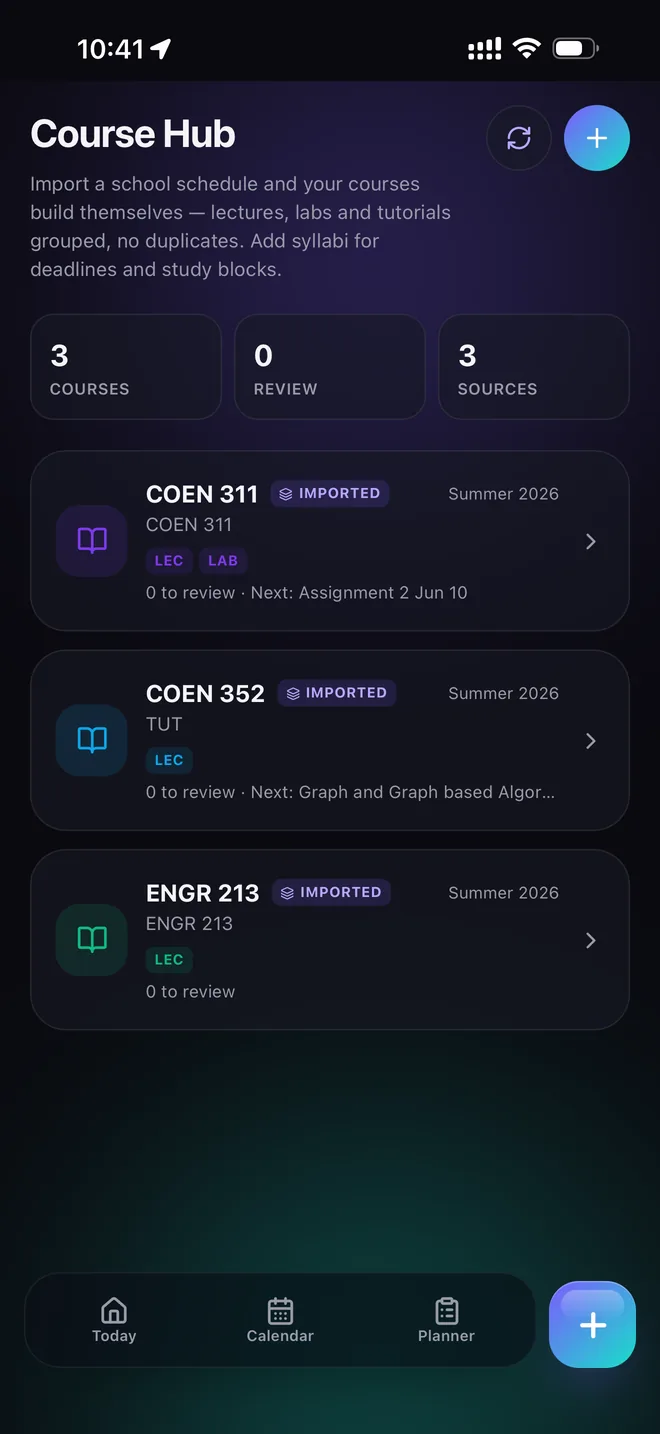
Build the class schedule once
Start with the source your school already gives you. A clear timetable screenshot or PDF can include course names, rooms, days and times. Fasti turns that information into editable events so you can confirm it before it becomes your schedule.
Keep course names and locations consistent. That makes reminders, commute estimates and the Course Hub easier to scan. If one lab begins later in the semester, give it its own start date instead of pretending every week is identical.
Plan for recurrences that are not simply weekly
College and university timetables often use alternating A/B weeks, tutorials every second week, short lab terms, reading weeks and one-off make-up classes. Treat each pattern as a defined recurrence with an end date. This avoids phantom classes after the term ends and accidental duplicates when the next semester begins.
- Confirm the first occurrence and the recurrence interval.
- Add the term end date and known school breaks.
- Keep exceptions as exceptions instead of editing the whole series.
- Review imported groups before enabling device-calendar sync.
Catch class conflicts early
A timetable can be technically valid while still being impossible in practice. A ten-minute gap may not be enough to cross campus or get from work to class. Add locations and let the planner compare transitions, not just overlapping clock times.
When two events collide, decide which source owns the truth. Edit the class or shift at its source, then let synced views follow that change. This is safer than creating a second event that looks fixed but later becomes a duplicate.
Turn class time into a complete academic plan
The class schedule is the foundation. Next, import course deadlines with the syllabus-to-calendar workflow, then use the study planner to protect preparation time before exams and assignments.
Common questions
What's the difference between a class schedule planner and a regular calendar app?
A regular calendar treats every event the same way. A class schedule planner like Fasti understands academic patterns specifically — alternating weeks, term end dates, labs that meet on a different cadence than the lecture — so a semester's recurrence doesn't have to be faked with a plain weekly repeat.
Can I build a class schedule without typing every class by hand?
Yes. Import a timetable screenshot, PDF or pasted text and Fasti proposes the events for you to review and confirm, instead of typing each lecture, lab and tutorial one at a time.
How does Fasti handle alternating A/B week classes?
Each recurrence gets a defined pattern and an end date, so an alternating-week lab or tutorial stays accurate for the whole term instead of turning into a plain weekly event that's wrong every other week.
Will Fasti warn me about impossible back-to-back classes?
When locations are added, the planner compares transitions between classes and shifts, not just overlapping clock times, so a ten-minute gap that isn't enough to cross campus is easier to catch before it becomes a real conflict.