 Fasti
Fasti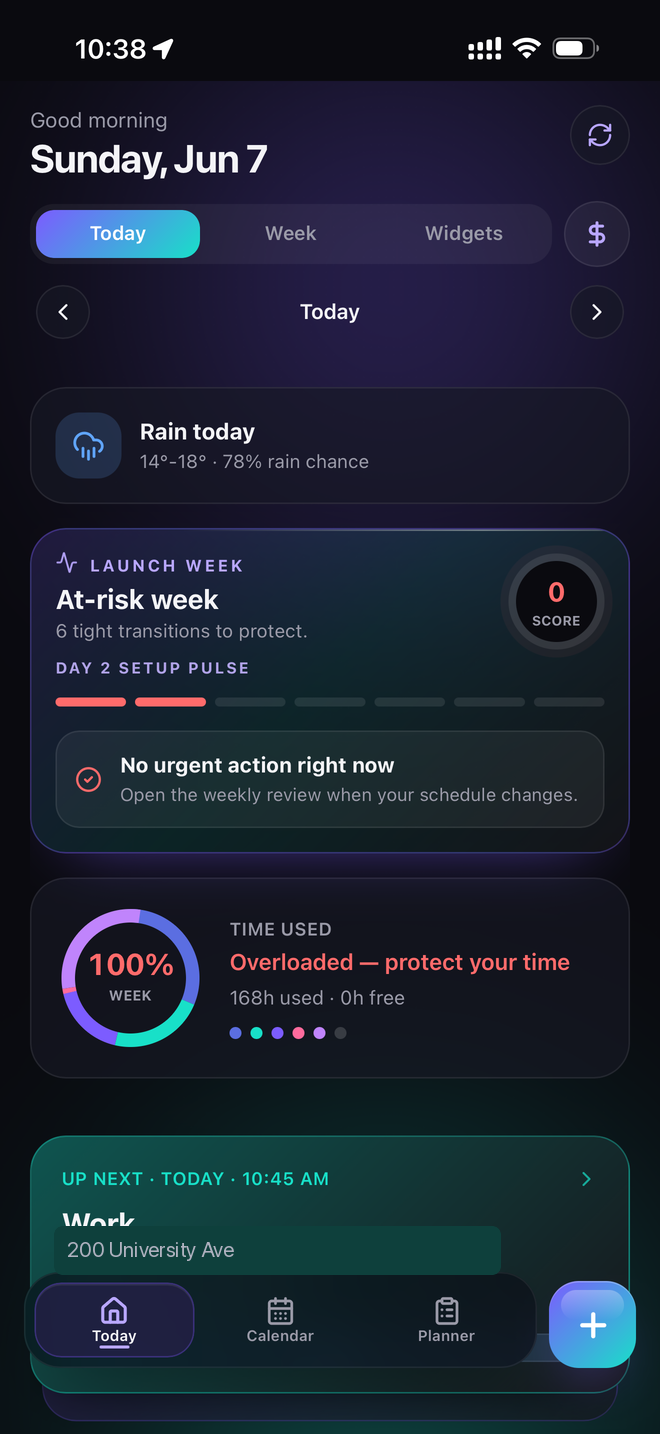
A schedule planner should show more than classes
A class calendar tells you when lectures happen. A student schedule planner has to help you decide what can fit around them. Fasti keeps academic dates beside study blocks, shifts, commute time, reminders and shared events, so a full day is visible before you add another commitment.
That is especially useful for students who work, commute or have alternating weeks. Start by importing your class timetable, then add the deadlines that shape the term.
A simple workflow for a changing semester
- Import classes and shifts. Confirm the recurring events and their end dates.
- Bring in academic deadlines. Use a syllabus or add exams and assignments directly.
- Protect preparation time. Place study before the deadline, around fixed commitments.
- Review Today. Use the day view to see what deserves attention now.
- Share selectively. Show a friend or group the events they need without exposing everything.
Make changes without losing the structure
Semesters change. A cancelled class, new shift or moved deadline should not force you to start from scratch. Keep the source event clear, use exceptions when the change is temporary and review proposed planner edits before they affect the calendar.
For a deeper look at academic preparation, use the study planner. For course documents, see syllabus to calendar.