 Fasti
Fasti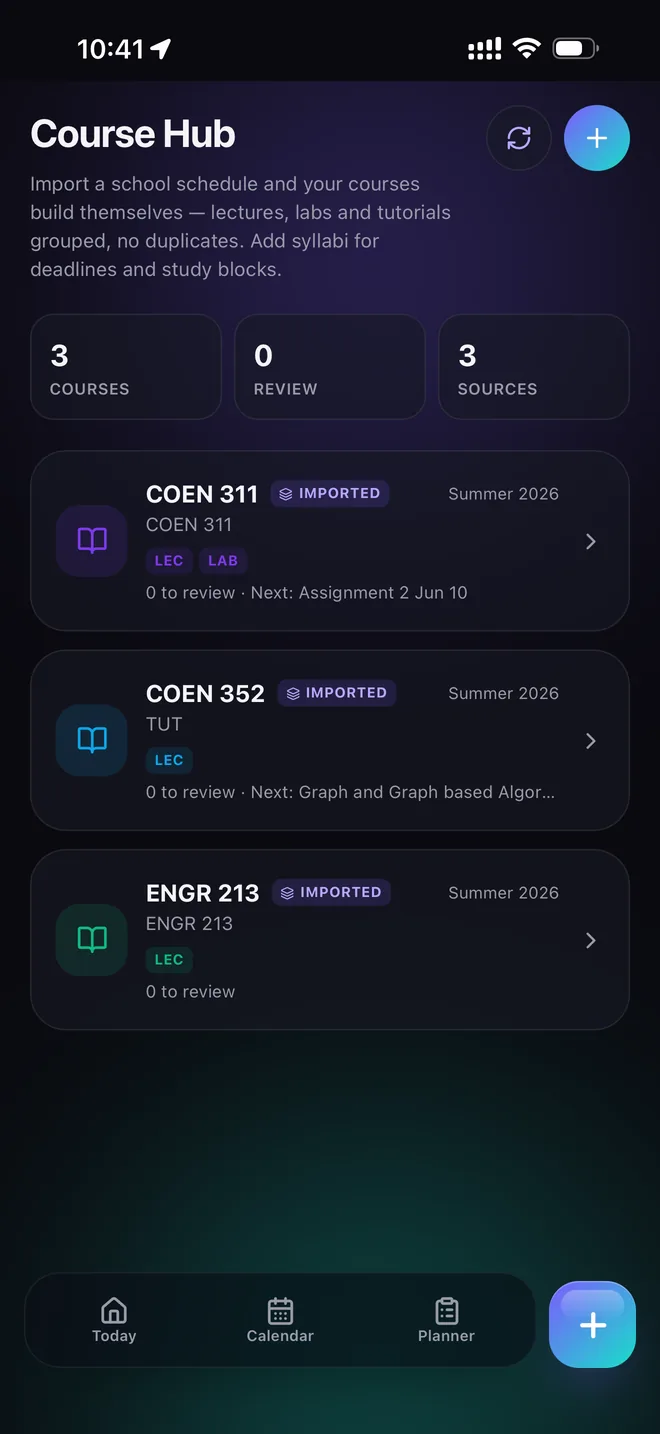
Start with the schedule you already have
A timetable app is only useful if it saves time. In Fasti, begin with a clear screenshot, PDF or pasted timetable and review the proposed events before saving them. Course names, rooms, days and times remain editable after import.
That matters at the beginning of a term, when a small correction should not require rebuilding the entire week. For the full import workflow, see how to import a class schedule.
Support real university timetables
Not every course repeats in the same way. Add alternating A/B weeks, short lab terms, tutorials every second week and one-off make-up classes without pretending they are ordinary weekly events.
- Set a first occurrence and a term end date.
- Keep alternating weeks as a visible pattern.
- Use exceptions for cancellations and make-up classes.
- Check the result before syncing it to your device calendar.
Make the timetable useful after import
Your classes are the fixed structure of the week, not the whole plan. Fasti keeps study blocks, work shifts, commute time, deadlines and shared events visible around them. That makes it easier to spot an impossible transition before it becomes a missed class.
When you need preparation time, continue with the study planner or bring course deadlines in through the syllabus-to-calendar workflow.